AI Product Photography for Small Businesses: Studio Results Without the Studio Bill
AI product photography for small businesses: get studio-quality product shots, lifestyle scenes and on-model images from one photo, without a studio budget.
Most small businesses take their first product photo on a kitchen counter. A window for light, a phone propped on a stack of books, and a white bedsheet pretending to be a backdrop. It works fine until the catalog grows, a marketplace rejects a listing, or a competitor shows up with sharper photos and the same product.
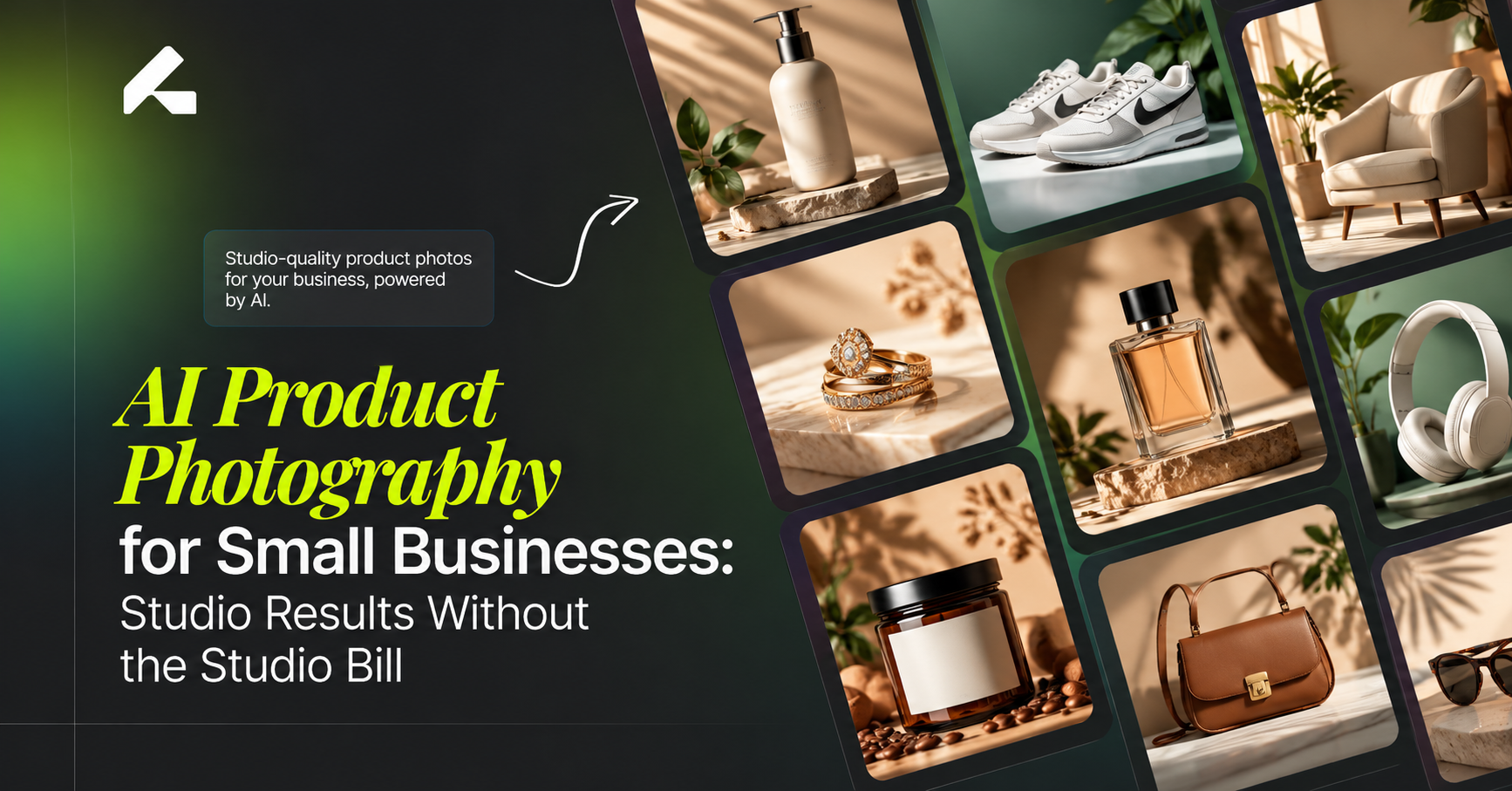
AI product photography for small businesses closes that gap without a studio booking. You upload one clear photo of your product, and the tool builds clean studio shots, lifestyle scenes and on-model images around it. The product stays exactly the same. Only the setting changes.
This guide covers where AI photography pays off for a small team, what it really costs, and how one person can run the whole workflow in an afternoon.
Why Photos Hit Small Brands Hardest
Big brands treat photography as a budget line. Small businesses treat it as a wall.
One professional shoot means paying a photographer, renting a studio, maybe hiring a model, and shipping samples back and forth. Then you wait for edits. If a color looks wrong, you shoot again. For a store with 15 products and a new drop every month, that cycle never really ends.
Meanwhile, shoppers can’t touch anything they buy online. To them, the photo is the product. A blurry thumbnail or a messy background makes a brand look small in the wrong way. Glossier and Allbirds both built recognizable online brands on simple, consistent product visuals. What made their pages feel trustworthy was consistency, not a huge photo budget.
That is the real problem for a small business. You need to look consistent across every product, platform and season, often with a team of one.
What AI Photography Actually Does
Think of it as a studio that lives in your browser. You bring the product. It handles the shoot.
With Limli, everything starts from a single product image. You choose a style, pick an environment, and generate a full set: a clean white-background shot, a lifestyle scene, an on-model image for apparel, and even a short video clip. Three things change for a small business almost immediately:
Speed. A shot takes seconds or a couple of minutes, not a week of emails with a photographer.
Testing. You can try five backgrounds for the same candle and keep the one that fits your brand.
Control. You set the look and the timeline. Nobody else’s calendar decides when your product goes live.
Where It Pays Off First
New Product Launches
Launching usually means waiting on photos before you can list anything. With AI, you can photograph the sample in the morning and have a listing-ready set by lunch. The gap between “it arrived” and “it’s for sale” shrinks from weeks to hours.
Marketplace Listings
Amazon wants a pure white background for main images, with the product filling most of the frame. Sellers there face the strictest rules, which is why AI product photography for Amazon sellers starts with compliance. Shopify gives you more freedom, so AI product photography for Shopify stores is more about keeping every collection page on-brand. Either way, AI handles the specs without a lightbox or editing software.
Social Media and Ads
Instagram and TikTok eat content fast. A small skincare brand might need fresh visuals every week. Instead of reshooting, you can place the same serum bottle on a bathroom shelf, a beach towel and a marble counter. Each version feels new in the feed, and your ad results show which one actually earns clicks.
Seasonal Refreshes
Black Friday, Ramadan, summer sales and holiday gifting all call for new scenes. A small coffee roaster can swap a cozy winter cabin for a sunny picnic table without buying a single prop.
How It Looks by Industry
Clothing and Accessories
Fashion boutiques feel the model problem most. Hiring a model for every new piece is out of reach for most small labels. Limli lets you lock one AI model and keep the same face across every product, so the catalog reads like one campaign instead of a pile of unrelated shots. AI product photography for fashion brands goes deeper on on-model images, and the same setup can grow into full AI fashion campaigns once your range expands.
Jewelry
Rings and pendants are small, shiny and hard to light. Every reflection picks up something you didn’t want in the frame. AI takes care of the backdrop and lighting so the piece stays the focus. Metal tones and stone colors still need a careful look before publishing, and AI product photography for jewelry breaks down exactly what to check.
Beauty and Cosmetics
Here, labels must stay readable and shades must stay true. A lipstick that looks coral on screen but arrives pink turns into a return. Small beauty brands lean on AI product photography for beauty and cosmetics for texture swatches and shelf-style scenes that keep packaging accurate.
A Workflow One Person Can Run
You don’t need a designer or a content team. You need a repeatable routine.
Take one clean source photo. Good light, a plain surface, and the product in sharp focus. Your phone is enough. The AI can only work with what you give it, which is why a strong starting image is the first rule of creating professional product photos with AI.
List the shots you need. Decide what each product needs before you generate: a main image, two lifestyle scenes and a social crop, for example. A short list stops you from burning credits on shots you will never use.
Pick one style and reuse it. Clean studio, soft editorial or film grain. Choose one and stick to it. This single habit makes 40 products look like one brand.
Check every image against the real product. Is the logo right? Is the color true? Did a strap, label or seam change? If the photo shows something the product doesn’t have, fix it before it goes live.
Export for each platform. Square for Shopify and Instagram feeds, white background for Amazon, vertical for Stories and Reels.
What It Costs a Small Business
A traditional shoot bundles photographer fees, studio time, props and retouching into one invoice. Then it repeats every time you add products. For a full side-by-side on cost, speed and quality, AI product photography vs traditional photography lays out where each approach wins.
AI shifts that model to a monthly subscription. Limli’s Creator plan is $19 a month and includes 2,200 credits, up to 25 products, all three workflows (Fashion, Still Life and UGC) and the video generator. That fits most solo sellers and small shops. The Studio plan at $39 a month raises the limit to 120 products for brands releasing new stock regularly. (Pricing checked October 2026 and subject to change.)
One tip matters more than the plan you pick: measure the cost of each image you actually publish, not each image you generate. If you keep one out of three results, your real cost per photo is three times the sticker price. The full breakdown of how much AI product photography costs shows how to budget around that number.
Mistakes Small Businesses Make
Starting with a weak photo. A dark or blurry source image gives you dark or blurry results, however good the tool is.
Generating without a plan. Credits disappear fast when you click “generate” just to see what happens.
Mixing styles. A moody film look on one product and a bright studio look on the next makes your store feel stitched together.
Skipping the accuracy check. An image that shows a detail your product lacks leads to returns, bad reviews and possible marketplace trouble.
Choosing on price alone. The cheapest tool can cost more if most of its results are unusable. Comparing the best AI tools for product photography on product accuracy saves money later.
Why Limli Suits Small Teams
Limli was built around the way small brands actually work. You need one product photo to start, and you don’t have to write prompts. Leave the brief blank and Limli art-directs the shot for you. Your product keeps its shape, color, label and material, because the tool places it in a scene rather than redrawing it.
You can lock a model once and reuse that face across your whole catalog. The same shots can turn into short videos for Reels and ads. Everything you create on a paid plan is yours to use commercially, with no watermarks and no per-image fees. For a shop owner who is also the marketer, packer and customer service desk, that means one less job to outsource.
Frequently Asked Questions
Is AI product photography good enough for a small business website?
Yes, when the source photo is clear and you review each result. Modern tools produce realistic lighting, texture and shadows that hold up on product pages and ads.
Do I need design or photography skills?
No. If you can take a sharp photo on your phone and choose a style from a menu, you can run the full workflow.
Can I use AI images on Amazon, Etsy and Shopify?
Yes, as long as the images accurately show the product and follow each platform’s image rules, such as Amazon’s white-background requirement for main images.
Will customers know the photos are AI?
Not if the images are realistic and true to the product. Shoppers care that the item they receive matches the photo. Accuracy matters far more than how the image was made.
Do I own the images Limli creates?
Yes. Images generated on paid plans can be used commercially across your store, ads, social media and marketplaces.
Final Thoughts
Small businesses have never lacked good products. They have lacked the time and budget to show those products well. AI product photography removes the studio, the scheduling and the reshoots, and leaves you with the part that matters: deciding how your brand should look.
Start small. Pick your three best sellers, build one consistent style, and see how the new photos perform against the old ones. The results usually make the next decision easy.