AI Product Photography for Beauty & Cosmetics: A Complete Guide
Learn how AI product photography for beauty & cosmetics works, from skincare and makeup shots to accurate packaging, true shades, and ecommerce-ready images.
A beauty shopper can't test a serum through a screen. They can't swatch a lipstick or smell a perfume either. So they lean on the photos. Product images have to show the packaging, the texture, the finish, and the personality of the brand all at once. That puts a lot of pressure on every single shot.
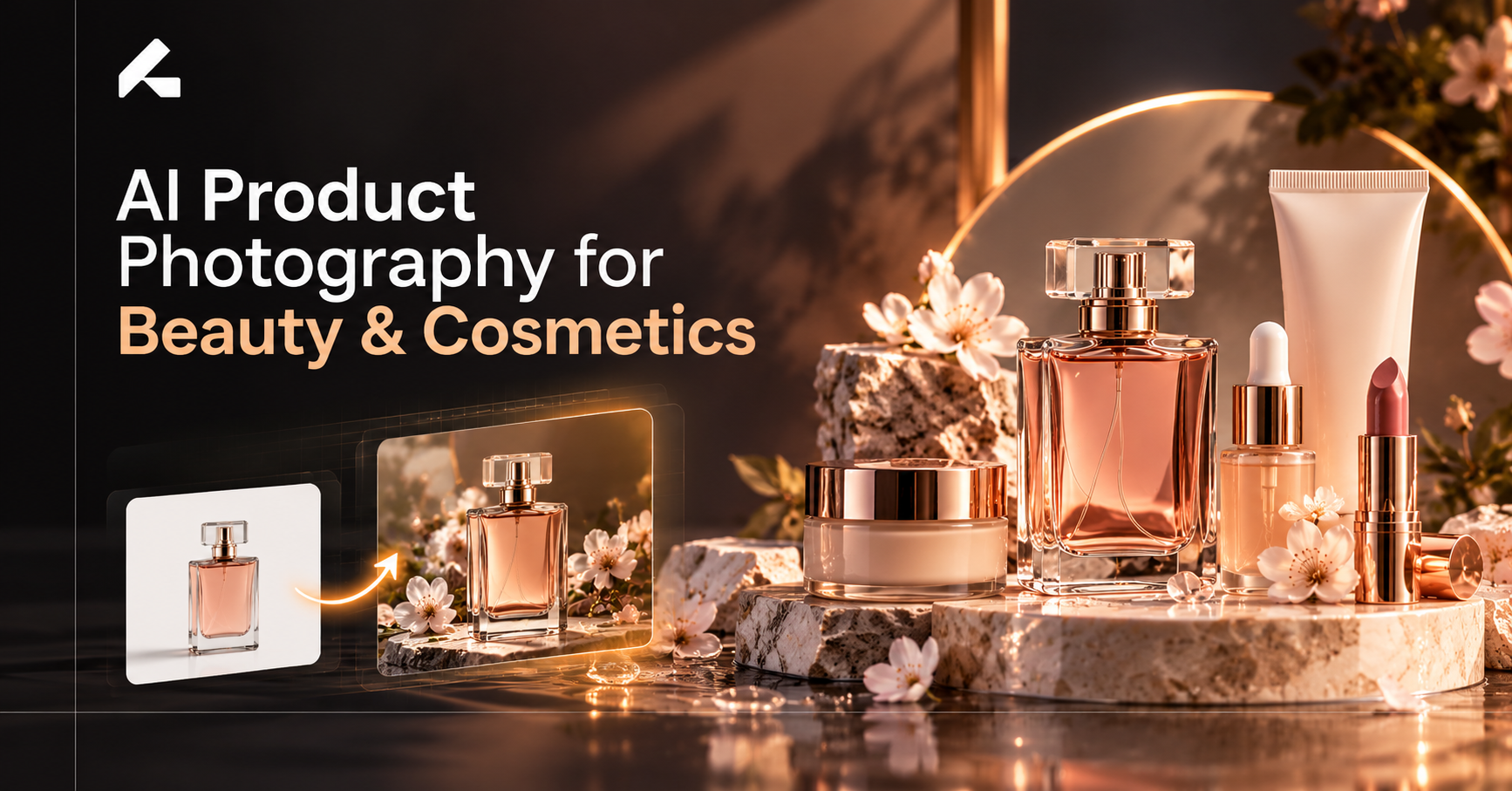
AI product photography for beauty & cosmetics gives brands a new way to handle that pressure. You start with an existing product photo. AI then helps you place that product in new backgrounds, lighting setups, and lifestyle scenes. One serum bottle can sit on a marble vanity, beside a sunlit sink, and on a clean white page, without three separate shoots.
This approach works for skincare, makeup, serums, moisturizers, lipsticks, and perfumes. Our guide to AI product photography for ecommerce brands covers the broad picture. This one goes deeper into beauty. You'll learn which products and styles suit AI, a step-by-step workflow, how to keep shades and labels accurate, and where to publish the results.
What Is AI Product Photography for Beauty & Cosmetics?
AI beauty product photography uses artificial intelligence to create new images of a real cosmetic or skincare product. The starting point is usually a photo you already have. The AI keeps the product and changes what surrounds it: the background, the surface, the light, the props, and the composition.
There are two broad ways to use it. The first is enhancement. The real product photo stays at the center and AI builds a new scene around it. The bottle, label, and cap all come from your actual image. The second is full generation, where AI creates the entire image, product included, from a text prompt. For cosmetics, that second route carries more risk. A generated lipstick may have the wrong bullet shape. A generated serum may carry a label that looks close but reads wrong.
That's why your original product image should always stay the reference. It holds the true packaging design, the exact label copy, and the real shade. Every AI-generated product image should be checked against it. Think of AI cosmetics photography as a way to change the setting, not the product.
New to the process? Our walkthrough on how to create professional product photos with AI covers the general basics before you get into beauty-specific details.
Why Beauty Brands Are Using AI Product Photography
Beauty catalogues grow fast. A single foundation line can include dozens of shades. A skincare brand may launch a new serum every season. Booking a studio, a photographer, and a stylist for each update gets slow and costly. AI photography for beauty brands helps in a few practical ways.
More concepts from one photo. A brand can test a minimal studio look, a spa-inspired scene, and a bold editorial setup from the same product image. The team then picks what works, instead of locking in one direction before a shoot.
Styling that fits each line. A clean, clinical skincare range needs a different mood than a playful lip gloss collection. AI lets each line have its own visual world without building separate sets.
Consistency across the catalogue. When product images come from different shoots over several years, the lighting and backgrounds rarely match. AI can apply one look across hundreds of SKUs so the whole store feels unified.
Variations for every channel. Product pages, Instagram, paid ads, and email all need different crops and moods. AI makes it easier to produce those variations from one source image.
Many brands also see time and production savings. How much depends on catalogue size, the tool you choose, and how much review each image needs. For a closer look at pricing models, see our breakdown of the cost of AI product photography.
Types of Beauty Products You Can Photograph With AI
Skincare Products
Serums, moisturizers, cleansers, toners, and sunscreen are a natural fit. Their packaging is usually simple: tubes, pumps, droppers, and jars. AI product photography for skincare works well with clean white backgrounds, bright bathroom shelves, and routine scenes, such as a serum next to a folded towel and a glass of water. Keep props light so the product stays the hero.
Makeup and Cosmetics
Lipsticks, foundations, blushes, eyeshadow palettes, and compacts need more care, because the shade is the product. AI photography for makeup brands works best in color-led compositions. Picture a rose lipstick on a blush-pink backdrop, or a bronzer on warm, sand-toned stone. Editorial backgrounds with bold shapes also suit makeup launches. Check every shade against the real product before you publish.
Perfumes and Fragrances
Perfume bottles are tricky because glass reflects everything around it. AI can place a bottle on velvet, polished stone, or a mirrored tray with soft, atmospheric light. Pay close attention to reflections, the cap, and the liquid color. All three should look natural for the scene.
Haircare and Personal Care
Shampoos, conditioners, hair oils, and body care products suit fresh, minimal settings. Ingredient-inspired scenes work well here too. Think of a hair oil beside rosemary sprigs, or a body wash surrounded by citrus slices. Only show ingredients that are actually in the formula.
Beauty isn't the only category where tiny details matter. Many of the same lessons apply to AI product photography for other visually detailed products, such as jewelry.
Best AI Product Photography Styles for Beauty Brands
Clean White-Background Product Images
White backgrounds remove distractions. Shoppers see the bottle shape, the label, and the cap with nothing competing for attention. These images are the backbone of most product pages and marketplace listings. AI can clean up an existing shot, even out the lighting, and add a soft, natural shadow so the product doesn't look like it's floating.
Luxury and Premium Product Photography
Luxury cosmetics photography relies on texture and restraint. Think white marble, frosted glass, brushed gold accents, and gentle shadows. Reflections should feel controlled, not chaotic. A night cream on a marble ledge with one soft light source signals quality faster than any caption could.
Lifestyle and Skincare Routine Scenes
Lifestyle images help shoppers picture the product in their own space. AI lifestyle product photography can place a cleanser on a bathroom counter, a moisturizer on a bedside vanity, or a face mist in a gym bag. The setting should match the customer. A teen acne line and an anti-aging serum shouldn't share the same bathroom.
Close-Up and Texture-Focused Imagery
Texture sells beauty. Cream swirls, serum droplets, pressed powder, and the glossy edge of a lipstick all help shoppers judge a formula. This is also where AI needs the most caution. Don't let it invent a texture. If your serum is light and watery, a thick gel droplet misleads buyers. Use real texture shots or swatches as the reference, and verify every close-up.
Seasonal and Campaign Visuals
Holidays, summer launches, gift sets, and Valentine's promotions all call for fresh visuals. AI makes it easier to test a winter gifting scene with ribbon and pine, then a beachy summer edit, from one product photo. Learn more about building AI-generated campaign visuals for product launches in our campaign guide.
How to Create AI Product Photos for Beauty Products
A clear workflow saves time and catches mistakes early. Here's a simple process that works for most beauty products.
- Start with a clear product photo. Use a sharp, well-lit image where the packaging, label text, and logo are easy to read. A straight-on angle works best. Blurry or tilted photos give the AI less to work with.
- Choose the visual direction. Decide on the look before you generate anything: clean studio, luxury, lifestyle, or seasonal campaign. A clear direction keeps results consistent.
- Write a specific prompt. Describe the background, surface, lighting, composition, and mood. A vague prompt like “nice background” returns vague results.
- Generate different variations. Try several options within your chosen direction. Change the surface or the light angle. Keep the product itself unchanged.
- Review the results. Zoom in. Check the label, logo, bottle shape, cap, color, reflections, and proportions. A 30 ml dropper bottle shouldn't stand as tall as a shampoo bottle.
- Prepare images for each channel. Crop and resize for product pages, Instagram, Stories, and ads. Every platform has its own size and format needs.
Example prompt for a skincare serum: “Place the serum bottle on a pale travertine stone ledge. Soft morning light from the left. A few fresh eucalyptus leaves in the background, slightly out of focus. Neutral beige backdrop. Calm, clean, spa-like mood. Keep the bottle, dropper, and label exactly as they appear in the reference image.”
Not sure which tool to pick? We compared the leading AI tools for creating product photography on accuracy, ease of use, and pricing.
How to Maintain Product Accuracy in AI-Generated Beauty Images
Beauty shoppers buy based on what they see. If the image is off, they notice the moment the product arrives. That can mean returns, poor reviews, and lost trust. Here's how to keep your AI product images accurate.
Protect the packaging. The label text, logo, bottle shape, cap, and pump should match the real product exactly. AI tools sometimes blur small print or soften a curve. Catch it before it goes live.
Check every shade. Foundation, concealer, lipstick, and blush colors must match the real thing. Compare outputs side by side with a verified photo or physical swatch. Warm lighting in a lifestyle scene can change how a shade reads, so check those images twice.
Don't invent details. Keep ingredients, claims, and packaging copy exactly as they are. If a cream has no gold flakes, the image shouldn't show any.
Never fake results. AI visuals shouldn't suggest skincare outcomes you can't support. Avoid generated before-and-after images, or flawless skin that implies a product does more than it does. That misleads customers and may break advertising rules.
Review before publishing. Give one person final approval on every image. A short checklist covering label, shade, shape, and texture keeps beauty product image consistency across the whole catalogue.
AI Product Photography vs. Traditional Beauty Photography
Both approaches have a place. The right choice depends on what the image needs to do.
| Factor | AI product photography | Traditional photography |
|---|---|---|
| Background variations | Can generate multiple concepts from a reference image | Often requires additional staging or editing |
| Physical setup | May reduce the need for repeated scene setups | May require a studio, lighting, and props |
| Product accuracy | Requires careful review of generated details | Direct capture of the physical product |
| Texture and shade verification | Needs particular attention for beauty products | Can capture real texture and shade under controlled lighting |
| Best use | Creative variations and scalable marketing assets | Verified product details and specialized shots |
Traditional photography still wins when an image has to prove something. Real swatches, true texture shots, and shade-accurate hero images benefit from a camera, controlled lighting, and careful color management. AI is stronger when you need range: new backgrounds, seasonal scenes, and many variations from one source.
For most beauty brands, a hybrid workflow makes sense. Shoot the product properly once. Use that photo as your trusted reference. Then let AI build extra settings and creative variations around it. You get verified product details and a much wider visual library. Our full comparison of AI and traditional product photography covers cost, speed, and quality in more depth.
Where Beauty Brands Can Use AI Product Images
Once your images pass review, they can work across almost every channel.
- Ecommerce product and category pages. Consistent visuals make collections look organized and help shoppers compare products.
- Shopify stores. A shared style across collections keeps a store cohesive. Our guide to product photography for Shopify stores covers setup and image requirements.
- Amazon listings. Amazon has strict rules, especially for the main image, which needs a pure white background. Lifestyle shots usually belong in the secondary image slots. Read our guide to product images for Amazon listings before you upload.
- Instagram and paid social. Posts, Stories, and ad creatives all benefit from fresh, eye-catching scenes.
- Seasonal promotions and email. Holiday edits, launch announcements, and newsletter banners can be refreshed without a new shoot.
- Brand websites and landing pages. Hero banners and campaign pages can match the season or the story you're telling.
Each channel has its own size, format, and content requirements. Check them before you export. An image that looks perfect on Instagram may still get rejected by a marketplace.
How Limli Can Help Beauty Brands Create Product Image Variations
Limli is built for brands that want new visuals from the product photos they already have. You upload one clean image of your serum, lipstick, or perfume bottle. From there, the Still Life workflow lets you choose a style, such as a clean studio look or an editorial treatment, and pick an environment or build your own. You can write a prompt for a specific scene, or leave it blank and let Limli suggest the art direction.
A beauty brand could use this to test a minimal white shot for the product page, a marble vanity scene for Instagram, and a gifting setup for the holidays. Style presets help keep lighting and color grading consistent across a full range. For products that shine on camera, the UGC workflow and video generator add more formats from the same source image.
As with any AI tool, review every output. Check the label, shape, and shade against your original before you publish.
Want to see how it handles your own products? Try Limli with one of your existing beauty product images and explore a few new directions.
Frequently Asked Questions
What is AI product photography for beauty brands?
It's the use of AI to create new images of real beauty products. Brands start with an existing product photo and generate new backgrounds, lighting, and scenes for ecommerce, social media, and ads.
Can AI create product photos for skincare products?
Yes. Skincare is one of the best fits. Serums, creams, cleansers, and sunscreens have simple packaging that works well in studio, bathroom, and routine scenes. Texture shots still need checking against the real formula.
Can AI-generated images preserve cosmetic packaging and labels?
Good tools keep packaging close to the original, but results vary. Small text, fine logos, and curved labels can shift. Always compare each image with the original photo before publishing.
Is AI product photography suitable for makeup and lipstick products?
Yes, with extra care. Makeup images depend on accurate color. Check every lipstick, foundation, and blush shade against a verified swatch or reference photo.
Can beauty brands use AI images on ecommerce websites?
Yes. Many brands use them on product pages, collections, and marketplaces. Follow each platform's image rules and make sure every image shows the product truthfully.
How can brands keep product colors accurate in AI photos?
Start with a color-accurate reference photo. Avoid strongly tinted lighting in your prompts. Compare outputs side by side with the real product, and fix or discard any image where the shade shifts.
Is AI product photography a replacement for traditional photography?
Not fully. Traditional photography is still the best option for verified swatches and true texture shots. AI works best alongside it, turning one trusted photo into many creative variations.
Conclusion
AI product photography for beauty & cosmetics gives brands more room to experiment. One good product photo can become a clean listing image, a luxury vanity scene, a summer campaign, and a set of social posts. That flexibility helps teams keep pace with growing catalogues and seasonal launches.
The basics of good beauty photography still apply. Labels must stay readable. Shades must stay true. Results must never be exaggerated. Treat your original photo as the source of truth and review every image before it goes live.
Have a product shot sitting in a folder right now? Upload it to Limli and see where it can go.