AI Product Photography for Jewelry: Create Professional Jewelry Images With AI
AI product photography for jewelry: how brands can create accurate, consistent studio and lifestyle images from existing product photos.
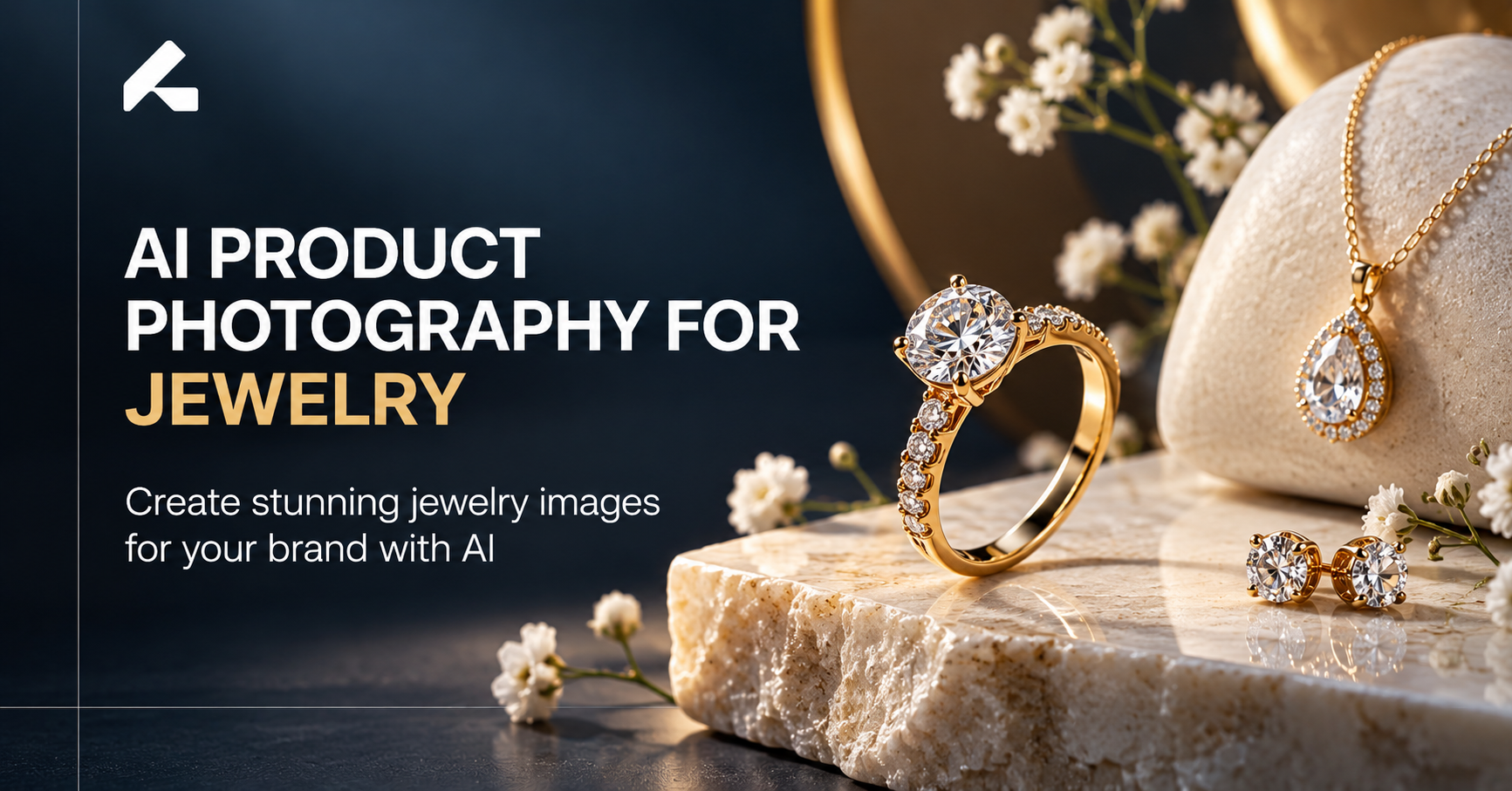
Jewelry sells almost entirely on how it looks in a photo. A shopper can't feel a chain's weight or see how a stone catches light before buying online, so the image carries most of that decision. That makes jewelry one of the harder categories to photograph well: small, often reflective, and full of fine detail that's easy to lose or distort.
AI product photography has become one way to manage that demand without a full studio setup for every piece or concept. Used carefully, it can turn an existing jewelry photo into a clean ecommerce image, a lifestyle shot, or a seasonal visual. Used carelessly, it can just as easily distort a gemstone color or warp a ring's proportions. This guide covers why jewelry is specifically hard to shoot, how AI-assisted workflows work, and where accuracy has to come before creativity.
Why Jewelry Photography Is So Challenging
Reflective Surfaces and Difficult Lighting
Polished metal and faceted stones bounce light unpredictably, so a setup that looks even in one shot can throw glare or shadow in the next.
Capturing Fine Details
Clasps, prongs, and small settings are easy to lose at normal shooting distance, and getting them sharp usually means macro-level focus.
Maintaining Accurate Colors and Materials
Gold, rose gold, and silver read differently under slightly different lighting, and gemstone color is often the detail a buyer cares about most.
Creating Consistent Images Across Collections
A collection with dozens of similar pieces needs every image to match in lighting and style, or the collection page starts to look disjointed.
Producing Lifestyle Shots Without Expensive Sets
Showing a necklace on a neck or a ring on a hand usually means booking a model and stylist, a heavier lift than most product photography.
Photographing Large Numbers of SKUs
Jewelry brands often carry more SKUs per collection than other categories, slight variations in size, stone, or finish, each technically needing its own shoot.
What Is AI Product Photography for Jewelry?
AI product photography for jewelry means using an existing photo of a piece as the basis for generating new visual versions of it, rather than re-shooting it from scratch for every new background or setting.
A few related terms get used loosely. AI-enhanced photography usually means cleaning up a real photo, correcting color, removing a dust spot. AI-generated photography goes further, building new scenes around the product. AI lifestyle imagery specifically means placing a product into a worn or styled context, a ring on a hand, built from the same source image. Across all three, the starting image matters more than almost anything else: a blurry or poorly lit source photo limits what any AI tool can produce accurately.
How AI Jewelry Product Photography Works
Most workflows follow a similar sequence: upload, preserve the product, choose a scene, generate, review, refine, and download.
Start With a Product Image
Begin with a clear, well-lit photo showing true color and shape without harsh shadows or glare.
Choose the Desired Background or Setting
Decide whether the output needs a plain white background, a styled surface, or an on-model setting.
Generate the Jewelry Scene
The AI builds the chosen scene around the product, aiming to keep the piece itself untouched.
Review Product Accuracy
Compare the result against the real piece: metal color, stone color, proportions, and fine detail.
Refine and Export the Final Image
Once an image passes review, export it at the resolution and format its intended use requires.
What Types of Jewelry Images Can You Create With AI?
Clean White-Background Jewelry Images
The standard for ecommerce product pages and most marketplaces, keeping focus entirely on the piece.
Luxury Lifestyle Jewelry Images
A necklace on a model, a ring on a hand, a bracelet on a wrist, or earrings in a fashion setting.
Editorial Jewelry Photography
A more styled, campaign-level look suited to higher-end positioning, where mood matters as much as the product.
Seasonal Jewelry Images
Visuals styled around Valentine's Day, wedding season, Christmas, Eid, or Mother's Day, without reshooting for every moment.
Social Media Jewelry Images
Crops and compositions suited to Instagram, Pinterest, or Facebook, where format often differs from a standard listing.
Collection and Campaign Images
A consistent visual style across an entire collection, so ten pieces read as one cohesive set rather than ten unrelated images.
AI Jewelry Photography vs Traditional Jewelry Photography
| Factor | Traditional Photography | AI Product Photography |
|---|---|---|
| Studio setup | Required | Can be reduced |
| Lighting setup | Physical, product-specific | AI-generated or AI-assisted |
| Lifestyle scenes | Requires models and props | Can be generated from an existing photo |
| Multiple concepts | A new setup per concept | Multiple variations from one shoot |
| SKU scalability | Time-intensive at volume | Easier to scale across a catalog |
| Creative experimentation | Limited by what's physically set up | Faster to test different directions |
None of this removes the need for product accuracy or quality control. AI can reduce how often a full studio setup is needed, but every generated image still has to be checked against the real piece before it's published. For a deeper look at where each approach fits, see the full comparison of AI product photography vs traditional photography.
Benefits of AI Product Photography for Jewelry Brands
Create More Visual Variations
Generate several settings from one source photo instead of booking a new shoot per concept.
Reduce Dependence on Physical Sets
Fewer situations require a full studio setup for a single new background or mood.
Scale Images Across Large Collections
A repeatable workflow handles dozens of similar SKUs more easily than individual shoots.
Maintain a Consistent Brand Look
The same visual direction can be reapplied as a collection grows, keeping the catalog aligned.
Create Lifestyle Concepts Faster
Testing a few lifestyle directions is quicker than arranging separate model sessions.
Produce More Marketing Content
The same image can be adapted for listings, social, and ads without separate production per channel.
Refresh Older Product Images
Older listings can get a current visual style without rebooking a shoot for pieces already in the catalog.
How to Use AI Jewelry Images Across Your Marketing
Ecommerce Product Pages
Clean, accurate images remain the foundation of any listing. A broader look at AI product photography for ecommerce covers general best practices.
Amazon and Marketplace Listings
Marketplaces enforce their own image rules. Sellers on Amazon can check the platform guide on AI product photography for Amazon sellers.
Instagram and Social Media
Lifestyle and styled images tend to suit social feeds better than plain product shots.
Paid Advertising
Ad creative often benefits from testing a few visual directions quickly.
Email Marketing
Seasonal or promotional jewelry imagery can be refreshed without a new shoot.
Jewelry Collection Launches
A new collection can get a consistent visual set without a long individual shoot list.
Seasonal Campaigns
Existing pieces can be restyled for seasonal moments without reshooting. For broader campaign concepts, see the guide on AI fashion campaigns.
Best Practices for AI Jewelry Product Photography
Start With a High-Quality Product Photo
A sharp, well-lit, accurately colored source image is the biggest factor in the final result.
Preserve the Jewelry's Shape and Details
Treat the original piece as the fixed reference every variation gets checked against.
Check Gemstone and Metal Accuracy
Stone color and metal tone are what buyers notice first, and what's most prone to drift.
Avoid Distorted Chains, Rings, and Earrings
Thin, delicate shapes like chain links are more likely to warp slightly than bulkier pieces.
Keep Branding and Packaging Consistent
If packaging appears in a shot, make sure it matches what the brand actually uses.
Match Lighting With the Jewelry
Lighting suited to the specific metal and stone helps avoid a flat, artificial look.
Review Every Generated Image Before Publishing
Given how small jewelry's defining details are, a final check matters more here than almost anywhere else.
Common Mistakes to Avoid With AI Jewelry Photography
- Using low-quality or poorly lit source images
- Allowing the AI to subtly alter the jewelry's actual design
- Incorrect gemstone colors slipping through unnoticed
- Distorted rings, chains, or earring shapes
- Unrealistic or overly glossy reflections
- Incorrect proportions, especially on smaller pieces
- Overly artificial-looking models in lifestyle shots
- Inconsistent backgrounds across the same collection
- Publishing AI-generated images without a real quality review
How to Create AI Jewelry Product Photos With Limli
Upload Your Jewelry Product Image
Start with a clear photo of the piece.
Choose Your Desired Visual Style
Select a white-background, lifestyle, or styled direction.
Generate Different Product Scenes
Produce a set of variations from the same source image.
Review and Refine Your Images
Check each result against the real piece before moving forward.
Download Images for Ecommerce and Marketing
Export finished images in the format needed for listings, social, or ads.
Limli follows this same general workflow, upload, choose a direction, generate, review, and export, with the product itself staying the fixed reference point throughout.
Create professional jewelry product images without building a new photoshoot for every concept. Try Limli for your next jewelry campaign.
Frequently Asked Questions
Can AI create realistic jewelry product photos?
Yes, when the source image is clear and the output is reviewed carefully. Jewelry's small details mean realism depends heavily on starting with a sharp, accurate photo.
Can AI generate lifestyle photos of jewelry?
Yes. A ring, necklace, or bracelet can be placed into a worn setting, such as on a hand or wrist, without a separate model shoot for each piece.
Can AI preserve the original jewelry design?
It can, but not automatically. Preserving exact shape and stone placement requires a clean source image and a careful review of every output.
Is AI jewelry photography suitable for ecommerce?
Yes, provided the images accurately represent the piece and follow the platform's listing rules. Accuracy matters even more for jewelry than most categories.
Can I create multiple jewelry images from one product photo?
Yes. A single clear photo can become a small set: a white-background image, a lifestyle version, and a few styled variations, without a new shoot for each one.
Can AI create jewelry images for social media ads?
Yes. Social and ad placements often call for different crops or moods than an ecommerce listing, and AI-generated variations make that easier to produce.
Is AI product photography cheaper than traditional jewelry photography?
It can reduce costs tied to studio time and models, especially across a large catalog, though savings depend on prior usage. A closer breakdown of how much AI product photography costs covers this in more detail.
What type of jewelry works best with AI photography?
Pieces with clearer, more defined shapes, like simple rings, chains, and studs, tend to render more reliably than intricate or unusually faceted pieces.
Final Thoughts: Is AI Product Photography Right for Jewelry Brands?
Jewelry photography carries challenges most product categories don't face to the same degree: reflections, fine detail, and color accuracy that genuinely affects what a buyer thinks they're getting. AI can help brands create more visual concepts and scale content across larger collections, but product accuracy has to stay non-negotiable throughout.
AI product photography works best as a creative production tool layered onto good photography practice, not a replacement for it. Brands weighing their options might also look at the best AI tools for product photography, the general guide to creating professional product photos with AI, or the category guides for Shopify stores and fashion brands.
Ready to see what your existing jewelry photos could become? Explore Limli and turn one product image into a complete visual set.