AI Product Photography for Shopify Stores: Complete Guide
Learn how AI product photography works for Shopify stores, from workflow and image requirements to real use cases, common pitfalls, and best practices.
Introduction
Product photography plays a significant role in how a Shopify store performs. A shopper can't hold the product, so the images on a product page do much of the work a physical store would normally do, building trust, showing detail, and answering questions before anyone has to ask them.
The challenge is that a single product rarely needs just one good photo. A real product page benefits from multiple angles, lifestyle context, and marketing-ready variations for social and ads, and producing all of that through repeated physical shoots gets expensive and slow fast, especially for a growing catalog.
This guide walks through how AI-assisted product photography works as a workflow for Shopify sellers specifically, not as a replacement for product strategy or photography judgment, but as a way to get more usable, accurate visuals out of the product images a store already has.
What Is AI Product Photography for Shopify?
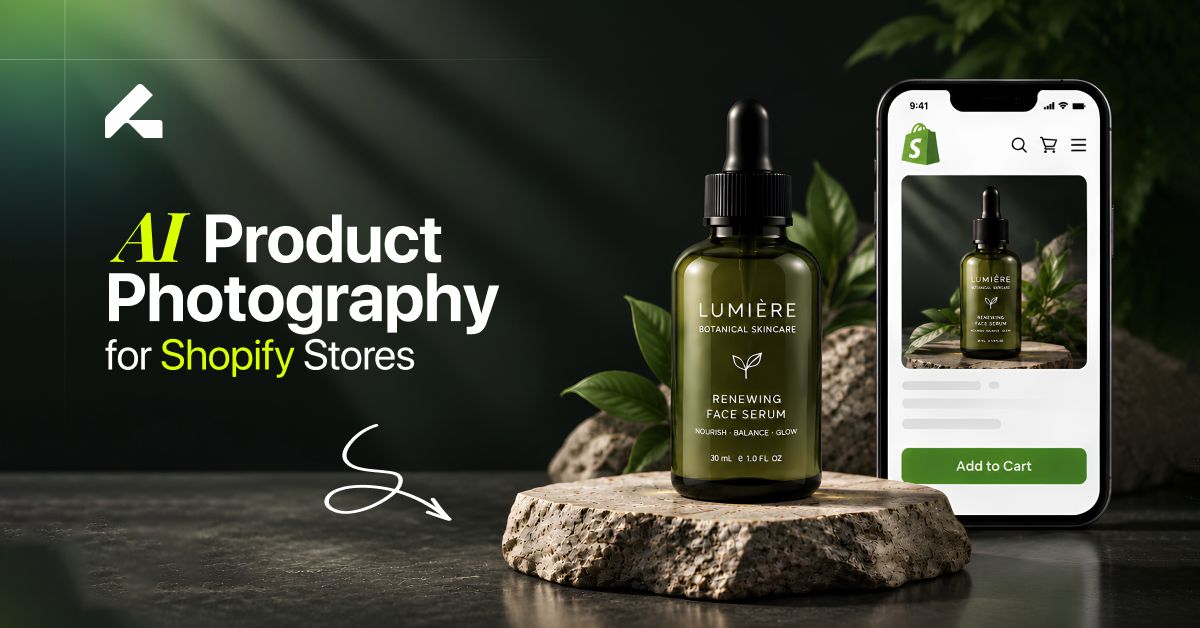
AI product photography uses generative AI to create new product visuals, backgrounds, and scenes from an existing product photo, rather than requiring a new physical shoot for every variation. A single accurate source image becomes the input, and the output can range from a clean studio shot to a fully styled lifestyle scene.
This generally splits into two categories worth understanding separately. Studio-style images keep the focus entirely on the product, a plain or lightly styled background, consistent lighting, and no distractions, which is what most Shopify product pages still rely on as the default. Lifestyle images place the product into a realistic setting, a room, an outdoor scene, a styled context, which helps a shopper picture the product in actual use rather than viewing it in isolation.
The two also serve different purposes. Product-page images need to be clear, accurate, and consistent above all else. Marketing and social images have more room for creative direction, since their job is to catch attention and support a specific campaign rather than simply document the product.
For Shopify sellers specifically, this workflow matters because a store's catalog rarely stays static. New products, seasonal pushes, and ongoing social and ad content all demand a steady supply of visuals, and AI-assisted photography offers a way to keep up with that demand without a new studio booking for every update.
Why Shopify Stores Need Multiple Product Images
A single hero image rarely does a full product page's job. A well-rounded product listing typically includes a main or featured image, several supporting angles and detail shots, at least one lifestyle or contextual image, and separate visuals built specifically for collections pages, ads, and social content.
Shopify treats the first media item on a product as the featured image, the one that shows up in collection grids, search results, and social previews by default, which makes getting that first image right especially important. Everything after it fills out the rest of the shopping experience: showing texture and detail, demonstrating scale or context, and giving a shopper enough visual information to feel confident purchasing something they can't physically touch.
Creating this many distinct visuals for every product in a catalog is exactly where traditional photography starts to strain. Our guide on how to create professional product photos with AI goes deeper into the actual process of producing these different image types from a single accurate source.
How AI Product Photography Works for Shopify
1. Start With a Good Product Image
Everything downstream depends on this. A usable source image needs a clearly visible product, good lighting, accurate proportions, minimal distortion, and enough resolution to show real product detail. A blurry or poorly lit source photo limits what any AI workflow can produce from it.
2. Define the Visual Style
Decide the direction before generating anything: clean studio, lifestyle, seasonal, editorial, or a brand-specific environment. Choosing this upfront avoids an inconsistent, scene-by-scene result later.
3. Generate Different Scenes
With direction set, generate the specific outputs a store actually needs, a product-page image, a lifestyle scene, a campaign visual, a social crop, and an advertising variation, all from the same source.
4. Review Product Accuracy
Check every result against the real product: logo placement, packaging, shape, color, texture, labels, and any other detail that matters to how the product is actually represented.
5. Prepare the Final Images for Shopify
Once an image passes review, it needs to be exported in a format and size Shopify actually supports. As of the most recent information available, Shopify accepts common image formats including PNG, JPEG, and WebP, with product and collection images supported up to 5000 × 5000 pixels or 25 megapixels, and a 20 MB file size limit. (These figures were not independently verified against Shopify's live documentation at the time of writing. Confirm current specs directly on Shopify's help site before publishing, since platform limits do change.)
What Types of Shopify Product Images Can You Create With AI?
A single accurate source photo can realistically support several distinct image types: a clean white-background product image for the core listing, lifestyle product photography showing the item in context, a hero image for the homepage or collection banner, seasonal scenes tied to a specific time of year, social media visuals sized for specific platforms, promotional campaign imagery, close-up detail shots, and dedicated collection images.
Fashion and apparel brands in particular benefit from this range, since a single garment photo can be expanded into on-model shots, styled lifestyle scenes, and full campaign visuals, an approach covered in more depth in our guide to AI fashion campaigns, for stores working with apparel or accessories specifically.
AI Product Photography vs Traditional Shopify Product Photography
| Traditional Photography | AI Product Photography |
|---|---|
| Studio or set required | Existing product image can be the starting point |
| Photographer or model may be needed | AI-assisted generation workflow |
| New shoot required for major variations | Multiple visual variations from one source |
| Physical locations | Digital environments |
| Higher production coordination | Faster iteration |
It's worth being direct here rather than overselling one approach: AI isn't automatically cheaper, faster, or better in every situation. The right answer depends on product complexity, how much realism a specific image needs, and the workflow a store already has in place. A highly detailed or reflective product, for example, may still benefit from a traditional shoot for its primary listing image, while lifestyle and campaign variations built from that same photo are a much stronger fit for AI. For a deeper breakdown of this tradeoff, see our full comparison of AI product photography vs traditional photography.
How to Create Shopify Product Photos With AI: Step-by-Step
Choose your source product image, the clearest, most accurate photo available.
Remove distractions from the background if the original shot isn't clean.
Define your brand's visual direction before generating anything.
Choose the background or environment that fits the specific image's purpose.
Generate the first variation and treat it as a draft, not a finished asset.
Check product consistency against the real item.
Create additional variations once the first result holds up.
Review images at both desktop and mobile sizes, since layout and cropping can behave differently across devices.
Export the final assets in the correct format and resolution.
Upload them to Shopify, keeping consistent aspect ratios across images that will appear together, particularly on collection pages, since Shopify recommends this specifically to avoid inconsistent display sizing.
Shopify Image Requirements and Best Practices
Only verified, current specifications belong here, since outdated technical claims can genuinely cause problems for a merchant relying on them.
Supported formats: PNG, JPEG, and WebP are commonly supported for product and collection images.
Maximum dimensions and file size: product and collection images can be up to 5000 × 5000 pixels or 25 megapixels, with a 20 MB file size limit.
Consistent aspect ratios: especially important for images displayed together, like collection grids, since mismatched ratios create an inconsistent, unpolished look.
High-resolution images: support zoom features and look sharp across device sizes.
Main/featured image: the first media item on a product, worth treating as the most important single image in the set.
Mobile presentation: since a large share of Shopify traffic is mobile, checking how images actually render on a phone matters as much as how they look on a desktop preview.
Avoid arbitrary compression rules, like insisting every image must be under an oddly specific file size, unless that guidance is actually sourced from current Shopify documentation. Shopify is also generally understood to serve an appropriate format automatically to a visitor's browser, though this, along with every specification in this section, should be checked against Shopify's current help documentation directly rather than taken as confirmed here.
Common AI Product Photography Problems on Shopify
AI-generated images aren't immune to mistakes, and knowing what to look for matters more than assuming the output is automatically correct. Common issues include the product's shape subtly changing between generations, incorrect or illegible labels and text, colors that don't match the real product, distorted packaging, shadows that don't look physically believable, inconsistent proportions across a set of images, unnatural-looking hands or models in on-model shots, and different versions of the same product looking like slightly different items.
None of these are reasons to avoid the workflow entirely, they're reasons to build a genuine review step into the process. Catching these issues and regenerating a corrected version is a normal, expected part of the workflow, not a sign that something has gone wrong with the approach itself.
How to Keep Shopify Product Images Consistent
Consistency across a catalog matters as much as any single image's quality. That means the product itself should look identical across every generated image, not just similar, along with matching lighting, background style, and aspect ratio treatment from one product to the next. Applying that same standard across an entire collection, rather than deciding the approach fresh for each item, is what keeps a storefront feeling like one cohesive brand instead of a set of unrelated listings.
AI Product Photography for Shopify: Real-World Use Cases
These examples are illustrative of how the workflow can be applied, not guaranteed outcomes for every business.
Fashion store: one garment photo becomes a studio shot, an on-model image, a lifestyle scene, and a campaign visual.
Beauty brand: one cosmetic product becomes a clean product shot, a bathroom or vanity lifestyle scene, and a campaign image.
Jewelry brand: a detail shot, a model or lifestyle image, and a premium editorial-style scene, all from the same source piece.
Home decor brand: a single product photo expanded into a styled room or environment scene.
How Much Can AI Product Photography Help Shopify Brands?
Rather than a specific return-on-investment figure, which varies too much by product, catalog size, and workflow to state as a general claim, it's more useful to think about the operational benefits this workflow tends to offer: more creative variations from the same source material, easier visual experimentation before committing to a full production, less dependence on physical locations for certain types of images, faster iteration when a concept needs adjusting, and more consistent content production across a growing catalog. If you're also weighing the cost side of this decision, our breakdown of AI product photography cost covers what actually drives pricing across different tools and workflows.
When AI Product Photography May Not Be the Best Choice
This deserves honest treatment rather than being glossed over. Highly complex products, items where exact physical dimensions need to be demonstrated precisely, images requiring strict technical accuracy, and regulatory or compliance-sensitive visuals may all be better served by traditional photography. The same applies whenever AI output changes an important product characteristic in a way that isn't acceptable for that specific listing. In these situations, original photography isn't a fallback option, it's the right choice from the start.
Best Practices for Using AI Product Photography on Shopify
Beyond the source-image, consistency, and review guidance already covered above, a few additional habits round out a reliable workflow:
Create distinct images for distinct purposes, product pages, ads, and social shouldn't all rely on the same crop
Don't publish outputs that look unrealistic or clearly artificial
Optimize for how images actually display on mobile, not just a desktop preview
Keep a simple record of the visual style and settings used for each product, so future additions to the catalog stay easy to match
If you're still deciding which platform to use for this workflow, our comparison of the best AI tools for product photography in 2026 breaks down what to look for beyond a sample gallery.
Frequently Asked Questions
Can I use AI-generated product photos on Shopify?
Yes, as long as the images are accurate, meet Shopify's format and size requirements, and are reviewed for quality before publishing.
What is the best AI product photography tool for Shopify?
It depends on your catalog size, product category, and whether you need lifestyle or campaign imagery alongside standard product shots. Comparing tools on accuracy, consistency, and scalability matters more than comparing sample galleries alone.
Can AI create lifestyle product photos for Shopify?
Yes, this is one of the more common uses of the workflow, placing an existing product photo into a realistic setting rather than a plain studio background.
How do I create product photos for Shopify without a studio?
Start with a clean, accurate photo taken with a phone or basic setup, then use an AI workflow to generate studio-style and lifestyle variations from that single source image.
Can AI create multiple product images from one photo?
Yes, a single accurate source image can typically support several distinct outputs, studio shots, lifestyle scenes, campaign visuals, and social-specific formats.
What size should Shopify product images be?
Shopify currently supports product and collection images up to 5000 × 5000 pixels or 25 megapixels, with a 20 MB file size limit, though this should be confirmed against Shopify's current documentation before publishing.
How do I keep AI product images consistent across my Shopify store?
Establish a repeatable visual style, consistent lighting and background treatment, and consistent aspect ratios, then apply those same standards to every new product rather than deciding the approach fresh each time.
Final Thoughts
AI product photography can help Shopify merchants create more visual variations from the product assets they already have, but the goal was never simply to produce more images. The actual goal is accurate, consistent, and genuinely useful product visuals across product pages, collections, ads, and marketing channels, images that hold up under real scrutiny, not just ones that look fine at a glance.
If you're exploring AI-assisted product photography for your store, Limli can be used to create product, lifestyle, and campaign visuals from existing product images, one accurate source photo expanded into the range of assets a growing Shopify catalog actually needs.